

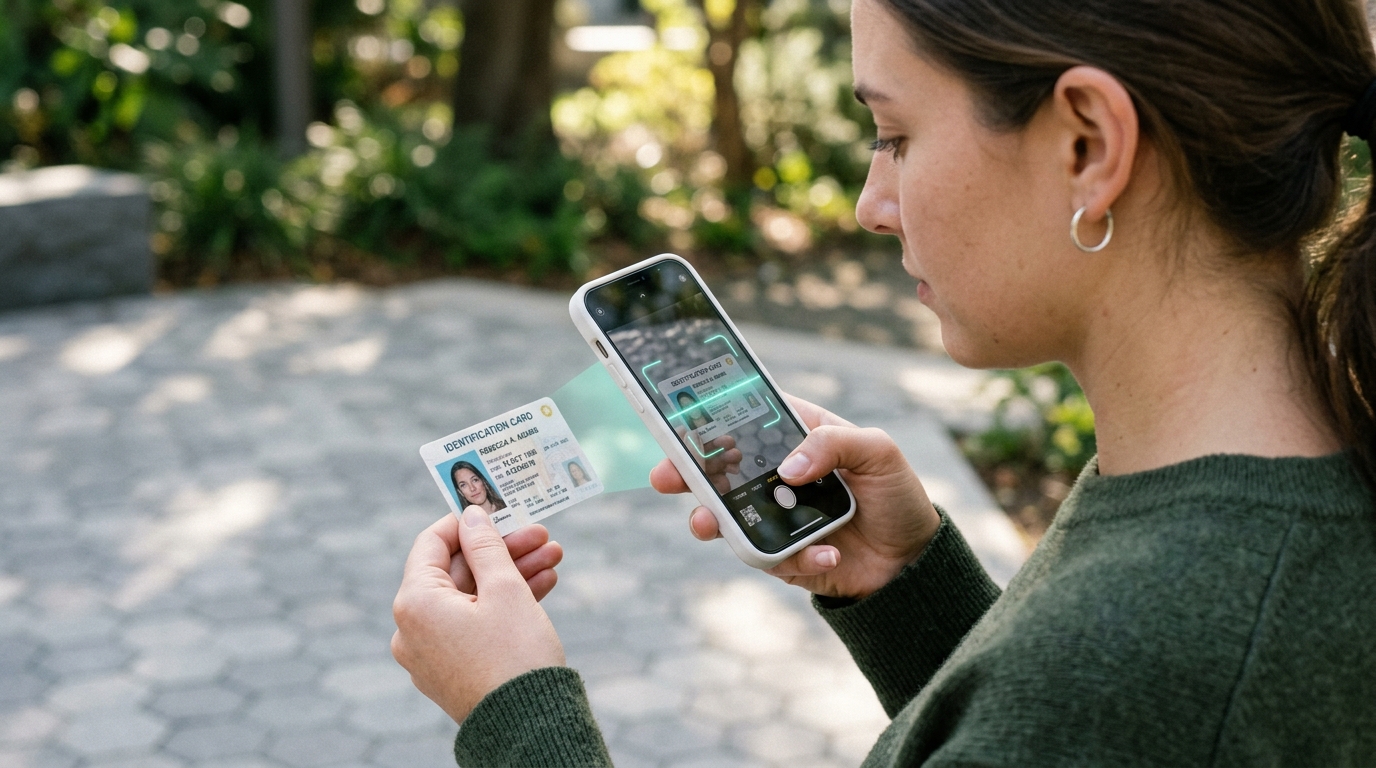
Optical Character Recognition (OCR) has evolved from clunky desktop scanning software into a mission-critical component of modern enterprise document management. Yet for healthcare institutions, financial auditors, and legal teams, sending scanned PDFs and image receipts across public cloud OCR APIs creates severe security vulnerabilities and regulatory liabilities. The emergence of in-browser neural network inference powered by WebAssembly and SIMD enables zero-trust, air-gapped document intelligence directly within the user's local browser sandbox.
In-Browser OCR runs optical character recognition neural networks entirely inside local client memory using WebAssembly (WASM) and SIMD (Single Instruction, Multiple Data) CPU acceleration. By pre-processing scanned image bitmaps (via Otsu binarization and deskewing) and executing neural classification locally, text is extracted with 99%+ accuracy without dispatching documents to remote cloud servers. This guarantees 100% compliance with HIPAA, GDPR, and corporate confidentiality covenants. Extract text from your documents instantly using our free in-browser OCR PDF Text Extraction Tool.
1. The Architectural Pipeline of Modern Optical Character Recognition
Modern OCR engines do not simply match character templates against an image font library. High-accuracy text extraction requires a multi-stage machine learning pipeline:
- Image Pre-Processing: Grayscale conversion, adaptive contrast enhancement, and noise reduction filtering.
- Otsu Dynamic Binarization: An algorithm that calculates the optimal global threshold separating dark foreground text pixels from light paper background pixels.
- Skew Correction (Deskewing): Detecting document rotation angles using Radon transforms or Hough line detection to orient horizontal text lines.
- Line & Word Segmentation: Isolating vertical baseline strips and character bounding boxes.
- Neural Sequence Recognition: Ingesting character slices into a Convolutional Neural Network (CNN) combined with Long Short-Term Memory (LSTM) recurrent networks to predict character probabilities based on linguistic context.
2. WebAssembly & SIMD: Bringing Native Neural Inference to the Web
Historically, executing deep neural networks for OCR inside a web browser was impossible due to JavaScript's high computational overhead and lack of vector math instructions.
ToolSpot solves this computational bottleneck using the compiled Tesseract.js WebAssembly engine enhanced by WASM SIMD (Single Instruction, Multiple Data). SIMD allows modern laptop and smartphone CPUs (Intel, AMD, Apple Silicon) to process 128-bit vector registers simultaneously, evaluating 16 character weights per clock cycle. This delivers a 4x to 8x speedup, extracting text from high-resolution documents in under two seconds directly inside client memory.
3. Privacy Compliance: Zero-Server OCR for Legal and Medical Documents
When processing sensitive documents—such as medical patient intake forms, tax W-2 returns, and litigation discovery depositions—transmitting files to external cloud APIs triggers massive compliance penalties:
- HIPAA Privacy Rule: Storing patient Protected Health Information (PHI) on unvetted servers violates federal confidentiality standards.
- Attorney-Client Privilege: Uploading confidential legal briefs to third-party cloud processors may legally waive attorney-client privilege in court.
- Zero-Trust Guarantee: ToolSpot executes 100% offline. You can disconnect your internet completely and process confidential documents with mathematical security.
Extract text from your scanned files today with our In-Browser OCR PDF Engine, analyze document density with our Word Counter, and securely assemble documents using our Client-Side PDF Suite.
Technical References & Open Standards:
Frequently Asked Questions (FAQ)
Q: Can in-browser OCR recognize scanned receipts?
Yes. Client-side OCR applies contrast normalization and line segmentation to extract text from receipts and invoices.
Q: Are scanned documents stored on ToolSpot servers?
Never. ToolSpot operates 100% client-side; your document never touches a remote server.
Q: Does in-browser OCR support multiple languages?
Yes, Tesseract language models support Latin, Cyrillic, Asian, and Arabic scripts.
Q: How fast is client-side text extraction?
Modern multi-core laptops and smartphones extract typical single-page document text in 1.5 to 3.5 seconds.