

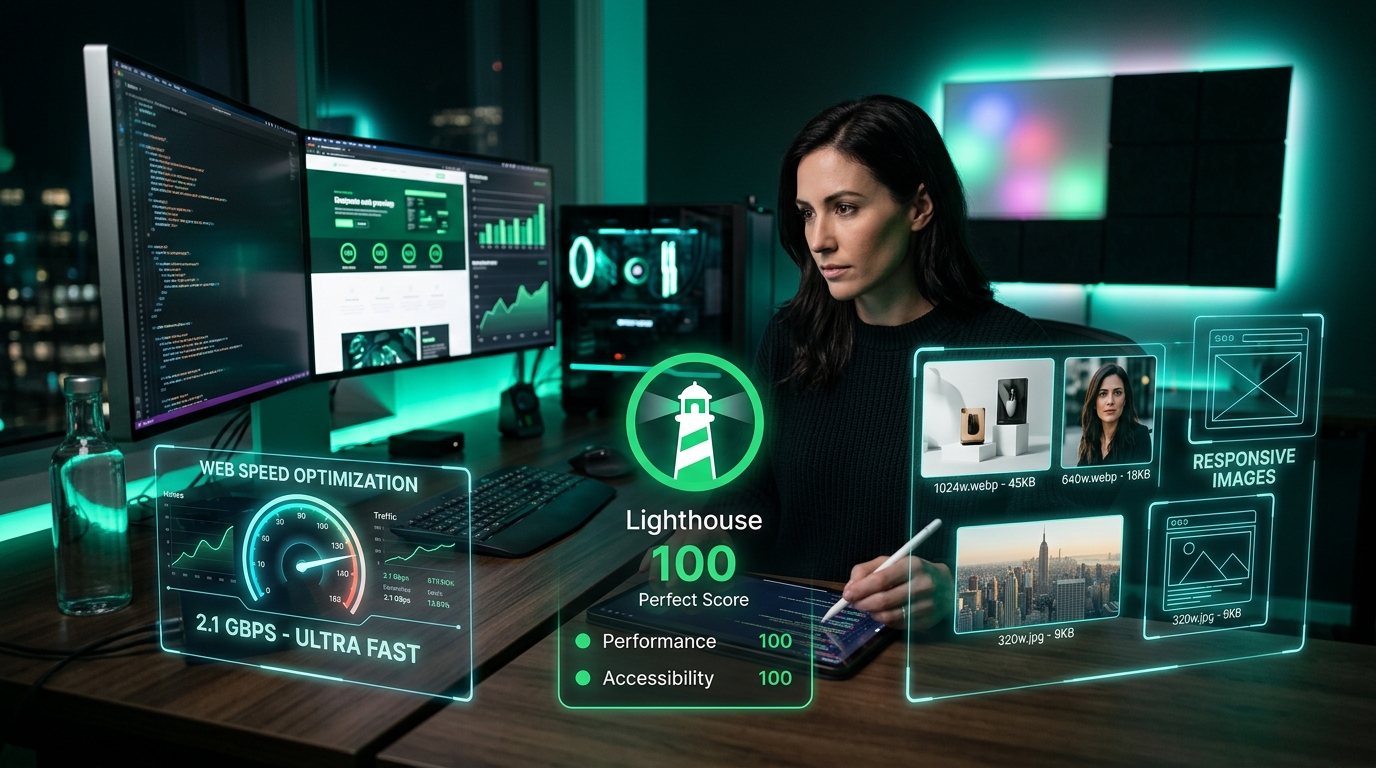
According to Google’s HTTP Archive empirical dataset, visual media constitutes over 62% of total web page payload. In today’s competitive search landscape where Google explicitly incorporates real-world Chrome User Experience Report (CrUX) metrics into search ranking algorithms, slow-loading imagery represents the single largest technical barrier to organic traffic growth.
1. The Triad: LCP, CLS, and INP in Modern Search Architecture
Understanding how graphic assets interact with Core Web Vitals metrics is essential for full-stack developers and technical SEO professionals:
Largest Contentful Paint (LCP ≤ 2.5s): Measures the exact timestamp when the primary visual element above the fold finishes rendering. On over 80% of landing pages and blogs, this element is an editorial hero photo or banner.
Cumulative Layout Shift (CLS ≤ 0.1): Quantifies visual stability. When an image without predefined dimensions finishes downloading, the browser recalculates layout geometry and violently shoves text downward, frustrating users and failing audits.
Interaction to Next Paint (INP ≤ 200ms): Replaced First Input Delay (FID) as Google’s official responsiveness metric. Parsing and decoding massive 3MB image bitmaps locks the browser's JavaScript main thread, preventing quick response to user taps and clicks.
2. Modern Format Conversion: WebP, AVIF & Lossless Fallbacks
Legacy JPEG and PNG formats lack modern entropy encoding and inter-block prediction algorithms. By converting assets into modern WebP or AVIF codecs, webmasters achieve identical Structural Similarity Index (SSIM) perceptual fidelity at radical payload reductions:
<!-- Modern Picture Tag with Format Fallbacks -->

<picture>

  <source srcset="hero-image.avif" type="image/avif">

  <source srcset="hero-image.webp" type="image/webp">

  <img src="hero-image.jpg" alt="Optimized Hero" width="1200" height="630" fetchpriority="high" decoding="async">

</picture>
AVIF offers higher compression efficiency than WebP, particularly in photographic gradients and deep shadows. However, WebP enjoys near 98% browser compatibility across all mobile and legacy desktop runtimes, making WebP quantization the recommended default baseline for high-traffic web tools.
3. Image Formats & Compression Efficiency Matrix
Compare payload weight, mobile data usage, and browser performance across standard graphic codecs:
| Format | Average Size (1080p) | Browser Support | LCP Impact |
|---|---|---|---|
| Legacy PNG | 650 KB – 1.8 MB | 100% universal | Severe LCP delay (>3.5s) |
| Standard JPEG | 280 KB – 500 KB | 100% universal | Moderate LCP impact (~2.4s) |
| WebP (ToolSpot) | 38 KB – 65 KB | 97.5% all browsers | Optimal sub-second LCP (<1.1s) |
| AVIF Next-Gen | 22 KB – 45 KB | 93.8% modern engines | Lightning instant render (<0.8s) |
4. Asynchronous Decoding and Main-Thread Hydration
Downloading an image file is only the first step in the rendering pipeline. Once the binary byte array arrives, the browser must decode compressed pixels into uncompressed RGBA bitmap arrays in memory. On mobile devices with constrained CPUs, decoding a 4000×3000 pixel image can block the JavaScript main thread for 80–150ms.
By explicitly adding the attribute decoding="async" to your <img> elements, you instruct the browser's rendering engine to decompress the bitmap on a separate background thread. This ensures user scroll events, form inputs, and menu clicks remain smooth and latency-free.
5. The Critical 5-Step Hero Image Checklist for 100 Lighthouse
Follow these engineering rules to guarantee sub-second LCP rendering on mobile viewports:
- Preload the LCP Candidate: Include
<link rel="preload" as="image" href="https://example.com/hero.webp" fetchpriority="high">in your document<head>. - Ban Lazy-Loading Above the Fold: Never apply
loading="lazy"to your top hero banner, as this artificially postpones asset fetching until layout finishes. - Reserve Aspect-Ratio in CSS: Add
aspect-ratio: 16 / 9; width: 100%; height: auto;to ensure the browser layout engine reserves whitespace prior to download. - Compress to Under 50KB: Run photos through client-side quantizers like ToolSpot to strip unnecessary EXIF metadata and shrink dimensions to mobile device viewports.
- Provide Responsive Srcsets: Serve 480px, 800px, and 1200px variations using
srcsetso mobile smartphones do not download desktop 4K assets.
6. Frequently Asked Questions
Why do unoptimized images hurt Largest Contentful Paint (LCP)? ▾
The hero image or banner is usually the largest visual element above the fold. Heavy payload sizes (>200KB) saturate network bandwidth and delay the browser render tree, driving LCP times well above Google's 2.5-second threshold.
How does compressing images to under 50KB improve Lighthouse scores? ▾
Sub-50KB assets load virtually instantaneously over 4G/5G and mobile connections, dropping total page weight and freeing main-thread CPU time for faster hydration and sub-200ms INP responsiveness.
Why should above-the-fold hero images never have loading='lazy'? ▾
Applying loading='lazy' forces modern browsers to wait until the layout engine calculates scroll coordinates before initiating the network request, adding a needless 200–500ms delay to your LCP score. Always use fetchpriority='high' and loading='eager' instead.
How does image decoding impact Interaction to Next Paint (INP)? ▾
Decoding massive multi-megabyte image bitmaps takes dozens of milliseconds of CPU execution on the main browser thread. Adding decoding='async' offloads decompression to helper worker threads, keeping the UI responsive to user input.
Academic References & Performance Standards
- Google Chrome Developers: Largest Contentful Paint (LCP) Optimization Architecture.
- W3C Web Performance Working Group: Resource Timing and Priority Hints Specification.
- HTTP Archive Web Almanac: State of the Web Imagery & Next-Gen Codecs.
- Google Web Vitals Documentation: Interaction to Next Paint (INP) Deep Dive.