

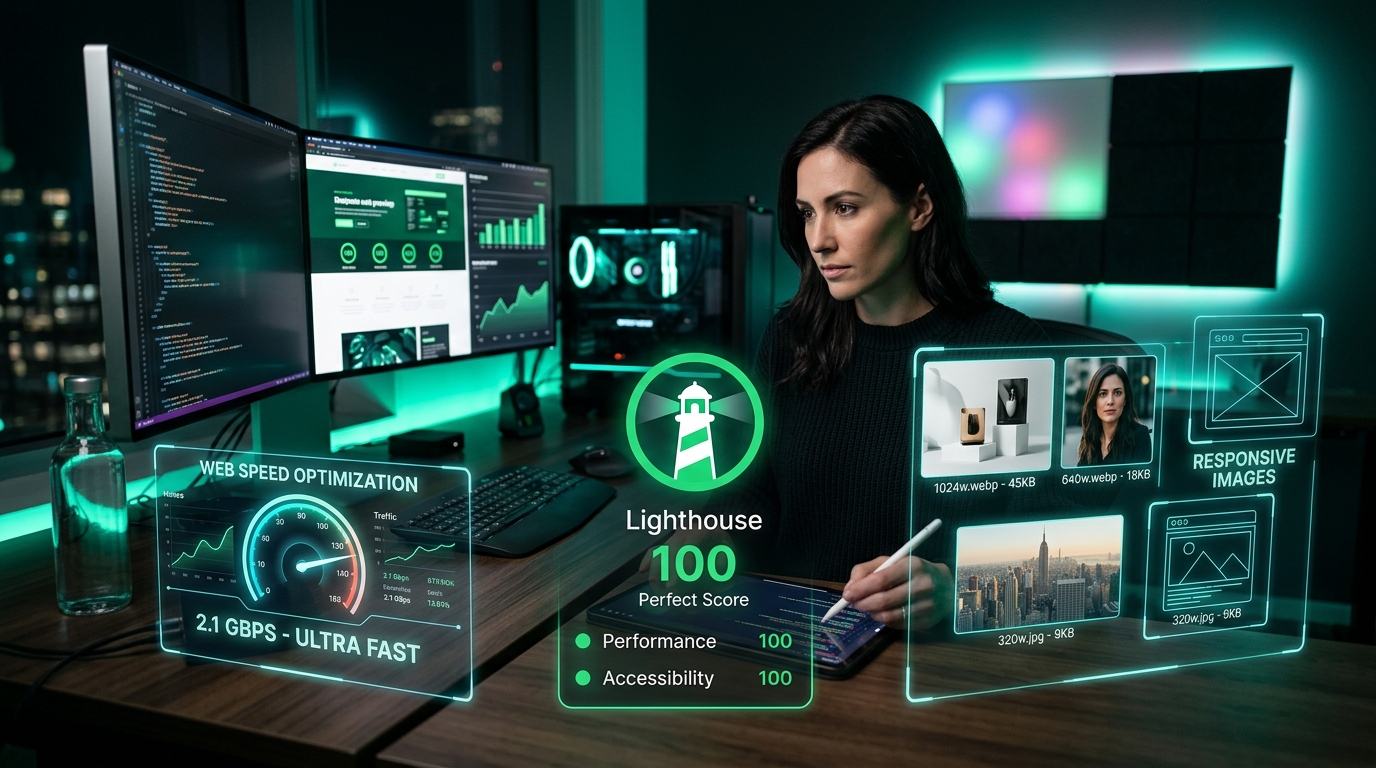
In modern web performance engineering, Largest Contentful Paint (LCP) serves as the primary metric determining whether a page feels instantaneous or painfully sluggish. Because high-resolution hero images and visual product graphics represent the LCP element on over 75% of landing pages, mastering image quantization, modern codecs (WebP & AVIF), and client-side compression is essential for ranking at the top of Google search results and passing Core Web Vitals assessments.
To pass Google's Core Web Vitals, Largest Contentful Paint (LCP) must occur within 2.5 seconds of initial page navigation. When the LCP element is an image, sub-second rendering requires four optimizations: (1) converting legacy PNG/JPEG files to WebP or AVIF (yielding 65% to 80% file size reductions), (2) setting fetchpriority="high" and loading="eager" on the hero element, (3) providing responsive srcset breakpoints, and (4) preloading the image in the document <head>. Compress and convert your images instantly with our free in-browser WebP Image Compressor.
1. The Physics of Core Web Vitals: Deconstructing LCP Sub-Phases
Standardized by Google and documented across web.dev performance guidelines, Largest Contentful Paint measures the render timestamp of the largest visual block (text or image) visible within the user's viewport. To diagnose slow LCP, Google breaks the metric into four distinct sub-parts:
- Time to First Byte (TTFB - Target: <800ms): The duration required for the server to return the initial HTML document.
- Resource Load Delay (Target: <200ms): The delta between when HTML arrives and when the browser discovers the LCP image URL in the DOM.
- Resource Load Duration (Target: <1,000ms): The network transfer time needed to download the image payload.
- Element Render Delay (Target: <100ms): The computational time spent by the browser decoding the image codec and compositing pixels onto the GPU canvas.
2. Modern Image Codecs: JPEG vs WebP vs AVIF Compression Efficiency
For thirty years, legacy JPEG (DCT transform) and PNG (DEFLATE compression) dominated the web. However, next-generation image codecs leverage modern video compression algorithms to achieve dramatic bandwidth savings without visual degradation:
3. In-Browser Quantization: How ToolSpot Compresses Images Locally
Unlike cloud conversion platforms that require uploading massive multi-megabyte raw photos to remote servers, ToolSpot uses the browser's hardware-accelerated HTML5 Canvas API:
- Bitmap Decoding: The raw image file is parsed into a GPU-backed
ImageBitmapusing zero-copy memory transfers. - Lossy Chroma Subsampling: Pixels are processed using 4:2:0 chroma subsampling, capitalizing on the human eye's superior sensitivity to luminance (brightness) over chrominance (color).
- Quantization Matrices: High-frequency image details that are imperceptible to human vision are rounded to reduce entropy before encoding.
- Client-Side Export: The quantized canvas is serialized into a compressed WebP byte stream via
canvas.toBlob('image/webp', quality).
4. Critical Markup Rules for Hero Images
Even a perfectly compressed image will fail LCP if your HTML markup delays browser discovery. Observe these essential rules:
- NEVER Lazy-Load the LCP Element: Adding
loading="lazy"to your hero image delays loading until JavaScript initializes, causing immediate 1.5s to 2.5s LCP penalties! Always specifyloading="eager". - Apply fetchpriority="high": Signal to the browser's preload scanner that the hero graphic takes precedence over background CSS and analytics scripts:
<img fetchpriority="high" src="..." />. - Preload in Document Head: For maximum speed, declare a preload tag in
<head>:<link rel="preload" as="image" href="hero.webp" type="image/webp">.
Optimize your media assets right now with our free in-browser Image Compressor, shrink files to exact upload thresholds with Compress to 50KB, and test your search snippets with our Google SERP Simulator.
Performance Specifications & Official References:
Frequently Asked Questions (FAQ)
Q: What is the recommended file size for an LCP hero image?
For optimal sub-second LCP on mobile networks, hero images should be compressed to under 70KB in WebP or AVIF format.
Q: Does image compression affect image resolution?
Lossy WebP compression removes high-frequency color variations that the human eye cannot perceive, drastically reducing file size while preserving sharp edge resolution.
Q: What is fetchpriority='high' and should I use it?
Yes! Adding fetchpriority='high' to your hero LCP image instructs the browser to prioritize its download over other stylesheets and non-critical scripts.
Q: How can I compress images to under 50KB?
ToolSpot's Compress to 50KB tool automatically adjusts canvas dimensions and lossy quantization levels in your browser to hit exact target file sizes.