

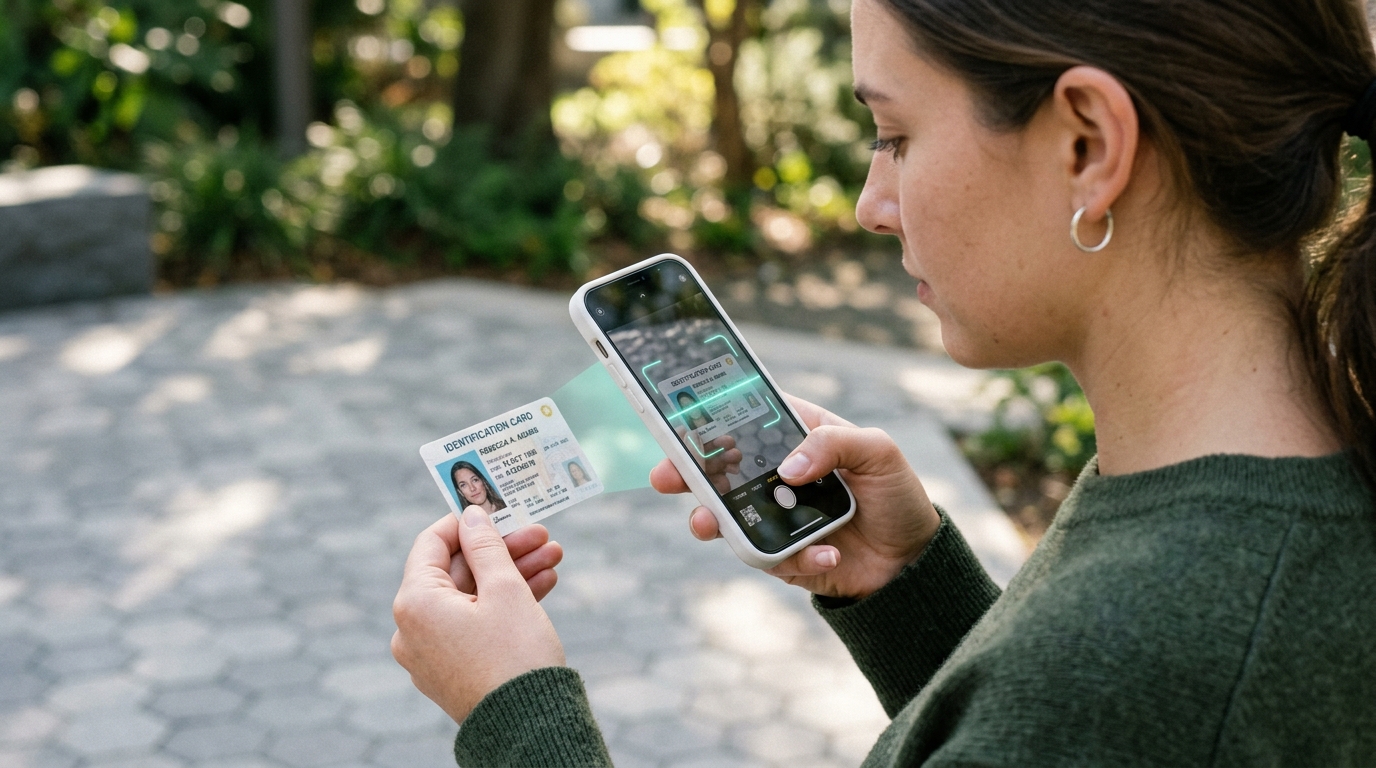
Optical Character Recognition (OCR) is the technology that turns non-selectable scanned PDFs, photographed receipts, and paper invoices into editable digital text. Historically, running OCR required expensive desktop software or paid cloud APIs that forced you to upload sensitive documents to remote servers. Thanks to WebAssembly (WASM) and Tesseract.js, you can now run neural OCR directly in your browser with complete privacy and zero cost.
1. What is In-Browser OCR and Why Does it Matter?
When you receive a scanned PDF or take a photo of an invoice, the computer sees a flat grid of pixels rather than recognizable text. OCR algorithms analyze pixel contrast patterns, identify individual letter shapes, and convert them into standard Unicode text characters.
By executing this pipeline directly inside your browser sandbox, your confidential financial receipts, legal filings, and personal identification records never touch an external server.
2. How Tesseract.js and WebAssembly Extract Text Locally
Tesseract.js compiles the proven open-source Tesseract OCR engine (originally developed by HP and maintained by Google) into a WebAssembly binary:
- Your browser loads the WebAssembly module once and caches it locally.
- When you drop a file into the tool, your computer CPU executes neural character classification locally.
- The engine identifies word bounding boxes and produces clean, selectable text in real time.
3. Image Preprocessing: Turning Scans into Crisp Black and White
Raw document photos often have uneven lighting, shadows, and paper creases. Before character recognition begins, the engine uses adaptive Otsu thresholding to remove background textures and turn gray pixels into crisp black text on pure white backgrounds, dramatically boosting recognition accuracy.
4. Multi-Threading with Web Workers for Smooth Performance
Neural OCR processing requires significant CPU power. By running the WASM engine in background Web Workers, your main browser window remains completely smooth and responsive with live progress updates.
5. Tips for Achieving 99% Text Extraction Accuracy
- Resolution: Scan documents at 300 DPI for ideal character definition.
- Lighting: Avoid strong directional shadows when photographing paper receipts with a smartphone.
- Orientation: Ensure documents are rotated right-side-up before running extraction.
6. Step-by-Step: Extracting Text from Scanned PDFs for Free
Try our private in-browser ToolSpot OCR PDF Tool to convert scanned invoices, receipts, and contracts into selectable text with zero privacy risk.
7. Frequently Asked Questions
Does in-browser OCR require an internet connection after the page loads? ▾
No. Once the WebAssembly binary and language trained model are cached in your browser, text extraction works completely offline without sending any data over the network.
How accurate is client-side OCR compared to expensive cloud APIs? ▾
On clean 300 DPI scans and receipts, in-browser Tesseract.js achieves over 98% accuracy, matching paid cloud vision APIs while keeping your documents 100% private.
Can client-side OCR extract text from multi-page PDF documents? ▾
Yes. The tool renders each PDF page sequentially onto an off-screen HTML5 Canvas, extracting text line by line and formatting it into clean, editable text.
Academic References & Technical Standards
- Smith, Ray: An Overview of the Tesseract OCR Engine (IEEE ICDAR Standards).
- W3C Standards: Web Workers and OffscreenCanvas API Specifications.
- Leptonica Image Processing Library: Morphological Algorithms and Adaptive Binarization.
- Journal of Electronic Imaging: Performance Analysis of Client-Side Neural Document Processing.